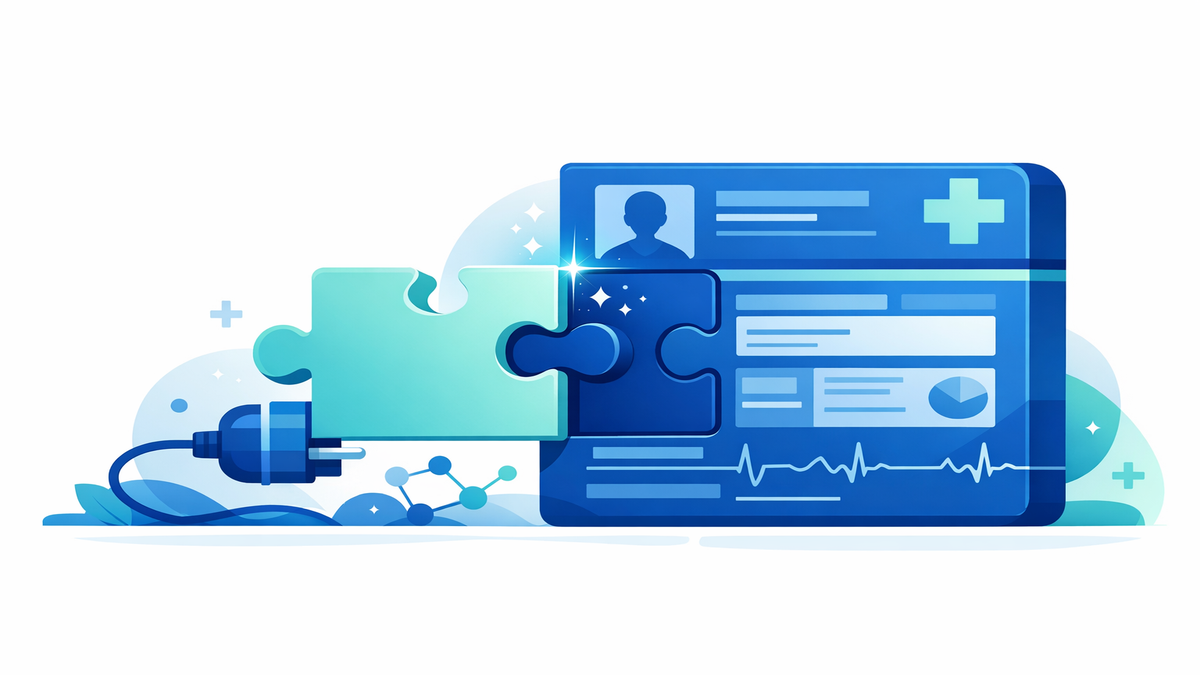
CDS Hooks are a behind-the-scenes way for health software to notice what is happening in an electronic health record, or EHR, and respond at the right moment. In simple terms, they are signals that fire during common care steps, such as when a clinician opens an order for a medicine, reviews a chart, or adds a diagnosis. Those signals can trigger a decision tool to offer helpful guidance right away instead of hours later or not at all. For patients and caregivers, that timing matters because many safety problems happen in the small window between a decision being made and an order being completed.
Real-time support can make care feel more connected and consistent. If a doctor starts to prescribe a drug that may interact with another medicine already on your list, a CDS Hook can prompt a warning before the order is signed. If a new diagnosis suggests that a screening test, vaccine, or follow-up visit is due, the system can surface that reminder while the visit is still happening. The goal is not to replace your clinician’s judgment, but to give useful information when it can still change the plan for the better.
What CDS Hooks are and how they work during a visit
The letters CDS stand for clinical decision support, which means tools that help clinicians make safer, more informed choices. A “hook” is simply a signal that says, “Something important just happened in the EHR.” Common examples include opening a medication order, selecting a diagnosis code, or starting a patient encounter. Once that signal is sent, a connected app or service can quickly check relevant information and return suggestions, warnings, or next steps.
You can think of CDS Hooks like a smart reminder system that listens for key moments. Instead of forcing clinicians to search for every guideline or drug rule by hand, the system brings forward information when it is most useful. That may include allergy checks, dose suggestions, preventive care reminders, or links to patient education materials. Because the response appears inside the normal workflow, it can support care without requiring extra logins or separate websites.
For patients, this can show up in subtle ways. Your clinician may pause and say, “The system is reminding me that this medicine may not be the best choice with your kidney function,” or “It looks like you are due for a vaccine.” In many cases, you may never notice the technology itself, only the result: fewer missed steps and more tailored decisions. That is the value of real-time EHR events—they create opportunities to catch issues before they become problems.
- Order opening: can trigger checks for drug interactions, duplicate therapies, or safer dosing.
- Diagnosis posting: can prompt recommended tests, referrals, or treatment pathways.
- Chart review: can surface overdue screenings, vaccines, or monitoring needs.
- Visit start: can help the care team prepare for known risks or care gaps.
Why timing matters for safety and better decisions
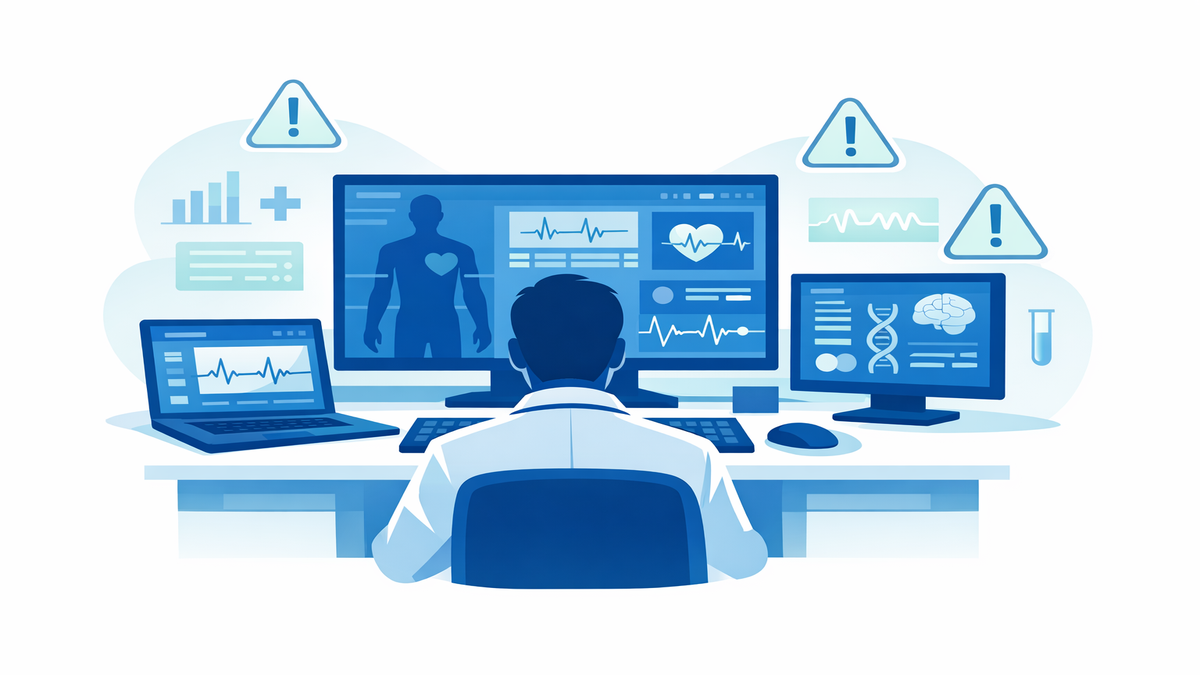
Healthcare decisions often happen quickly, especially in busy clinics and hospitals. If support arrives too late—after a prescription is signed, after a patient leaves, or after a result is overlooked—it may not prevent harm. CDS Hooks matter because they deliver information at the point of action. That timing can reduce medication errors, missed follow-up, and unnecessary repeat testing.
Imagine a patient with a penicillin allergy who is being prescribed an antibiotic. A warning that appears before the order is completed gives the clinician a chance to choose a safer option immediately. A warning that appears later may require a phone call, a canceled prescription, or a delay in treatment. Real-time alerts can also help with less obvious issues, such as adjusting a dose for age, weight, pregnancy, or kidney function.
Timing also supports better preventive care. When a new diagnosis of diabetes is entered, a CDS Hook might remind the care team about eye exams, foot checks, lab monitoring, or education resources. When a diagnosis of osteoporosis is added, it may prompt bone health counseling or fracture prevention steps. These reminders are most effective when they appear while the plan is being built, not after the visit is over.
- Earlier warnings can prevent unsafe medication choices.
- Real-time reminders can reduce missed screenings and follow-up tasks.
- Context-aware suggestions can tailor care to your age, conditions, and test results.
- Fewer delays can mean faster treatment and less back-and-forth after a visit.
How CDS Hooks can affect your experience as a patient or caregiver
When CDS Hooks work well, they support care without making the visit feel robotic. Your clinician may still ask questions, review your concerns, and explain options, but the software can help organize important details in the background. This can be especially helpful if you take many medications, see multiple specialists, or have chronic conditions that require regular monitoring. The system can connect information that might otherwise be easy to miss in a long chart.
Caregivers may also benefit because real-time prompts can lead to clearer plans before leaving the office. If the EHR notices that a child is due for a vaccine or that an older adult may need a fall-risk review, the team can address it on the spot. That may reduce surprise calls later and make after-visit instructions more complete. In some settings, CDS Hooks can also trigger educational handouts or portal messages that explain the next steps in plain language.
Still, these tools are not perfect. Too many alerts can create “alert fatigue,” meaning clinicians may start to tune out messages if they appear too often or are not useful. The best systems aim to show fewer, more relevant prompts that fit the patient’s situation. As a patient, it is reasonable to ask what a warning means, why a recommendation appeared, and whether there are options if the suggested plan does not fit your needs.
- Bring an up-to-date medication list, including vitamins and supplements.
- Tell the care team about allergies, past side effects, and recent hospital visits.
- Ask whether a new diagnosis changes what tests or follow-up you need.
- Review your after-visit summary to make sure the final plan matches what was discussed.
Examples of real-world care moments where these signals help
Medication safety is one of the clearest examples. If a clinician opens an order for a blood thinner, a CDS Hook may check your age, kidney function, current medicines, and bleeding risk. It can then suggest a safer dose or warn against combining drugs that raise the chance of harm. For patients, that can mean fewer preventable side effects and a better chance of getting the right treatment the first time.
Another common use is preventing duplicate or unnecessary care. If a diagnosis is entered that usually requires a certain lab test, the system can check whether that test was already done recently. If it was, the clinician may avoid ordering it again, saving time, cost, and inconvenience. If it was not done, the prompt can help make sure an important step is not forgotten.
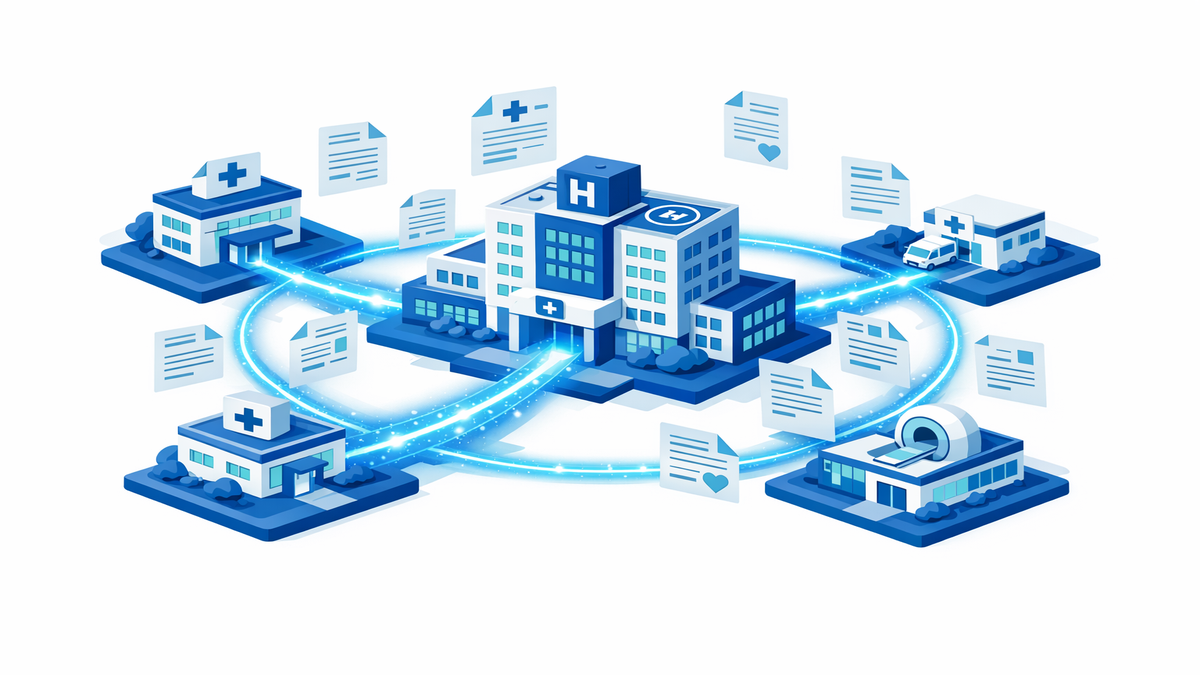
CDS Hooks can also support smoother care transitions. When a patient leaves the hospital and sees a primary care clinician, the EHR may trigger reminders about medication reconciliation, which means comparing old and new medicine lists to spot differences. It may also prompt follow-up for pending test results or referrals. These moments are high risk because information can get lost during handoffs, and real-time signals help close those gaps.
- New prescription: checks for allergies, interactions, and dose adjustments.
- New diagnosis: prompts needed labs, imaging, referrals, or education.
- Hospital follow-up: helps compare medication lists and track pending items.
- Preventive visit: highlights vaccines, screenings, and chronic disease monitoring.
What to ask and how to make the most of these tools in your care
You do not need to understand the technical details of CDS Hooks to benefit from them, but a few questions can help you get more value from the visit. If your clinician mentions a system alert, ask what triggered it and whether it changes the plan. If a recommendation appears, ask whether it is based on your medications, test results, age, or diagnosis. This can help you understand the reasoning and feel more confident in the decisions being made.
It also helps to keep your health information current. Real-time tools are only as good as the information in the record, so outdated medication lists, missing allergies, or old diagnoses can lead to less helpful prompts. Before appointments, review your patient portal if you have access to one. Correcting small errors can improve the quality of the guidance your care team sees during the visit.
Finally, remember that these tools are meant to support conversations, not end them. A prompt may suggest one option, but your values, symptoms, budget, and preferences still matter. If a recommendation seems confusing or hard to follow, speak up. The safest care often comes from a combination of timely technology, careful clinical judgment, and clear communication between patients, caregivers, and the care team.
- Ask, “Did the system flag anything important today?”
- Confirm that your medication and allergy lists are accurate.
- Request clear next steps for tests, referrals, and follow-up.
- Speak up if a suggested plan does not fit your daily life or goals.