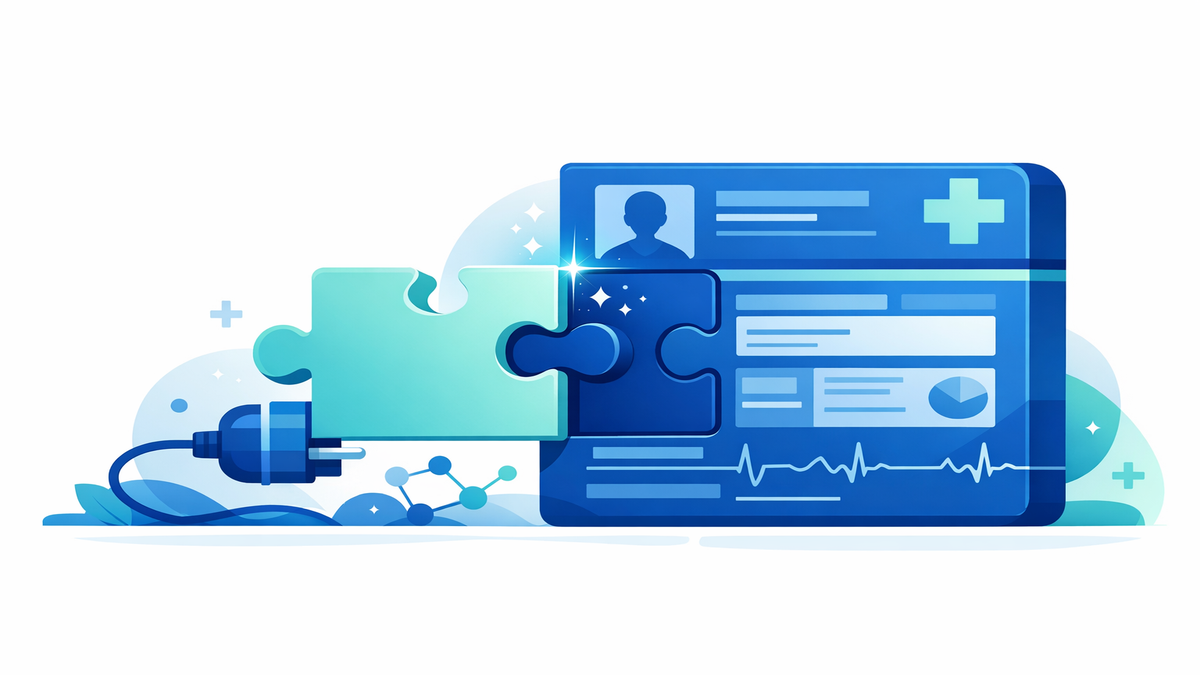
If you have ever seen a small tool open from a patient portal or inside a doctor’s electronic chart, you may have already used a SMART on FHIR app without realizing it. The name sounds highly technical, but the idea is simpler than it appears. These apps are secure mini-programs that can connect to health records after someone gives clear permission. Their job is to make health information easier to use, whether that means showing your medications in one place, helping a doctor choose a treatment, or letting you share parts of your chart with another service.
For patients and caregivers, the most important thing to know is that SMART on FHIR apps are designed to work with existing health record systems instead of replacing them. Think of them like trusted add-ons for your health portal or your clinician’s chart. They can launch inside the record system or open beside it, then pull in the information they are allowed to use. When they are built well, they save time, reduce repeated data entry, and make healthcare tasks feel more connected.
What SMART on FHIR means in plain language
SMART is a set of rules that helps health apps open safely from an electronic health record or patient portal. FHIR—usually said like “fire”—is a standard way for health systems to organize and share data, such as allergies, medications, lab results, and appointments. Put together, SMART on FHIR means an app can request access to specific health information in a secure, standardized way. This makes it easier for different systems to “speak the same language” without every connection being built from scratch.
A good everyday comparison is online banking. You might use your bank’s website, but you can also connect a budgeting app that shows your spending in a new way. The app does not become your bank; it simply uses approved access to display or work with your information. SMART on FHIR apps do something similar for healthcare, except the rules are stricter because medical information is especially private.
These apps can be used by patients, caregivers, doctors, nurses, and other healthcare staff. Some are made to help people understand their own records, while others support care teams behind the scenes. For example, one app might help a patient track blood pressure readings, while another helps a doctor review vaccine history. The shared goal is to make health information more useful at the moment it is needed.
- SMART helps the app launch safely from a health record or portal.
- FHIR provides a standard format for health data.
- Together, they let approved apps connect without reinventing the wheel each time.
- The app only gets the information it is allowed to access.
How these apps work when you open them
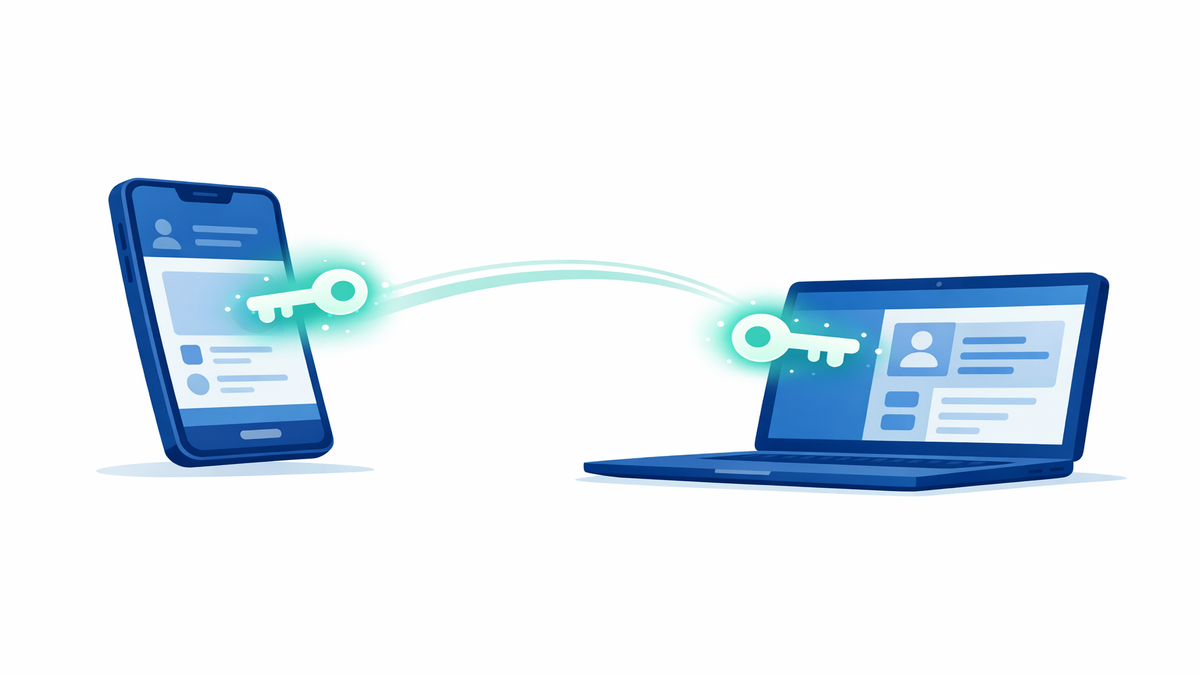
When a SMART on FHIR app launches, it usually starts from a button or link inside a portal, hospital app, or clinician’s chart. The health system tells the app who is using it and what kind of information may be available. Then the app asks for permission to access certain pieces of data. This permission step matters because it helps prevent apps from quietly taking more information than they need.
For patients, the permission screen may look similar to what you see when a phone app asks to use your camera or location. You may be asked to approve access to things like your medication list, allergies, or upcoming visits. In many cases, you can review what the app wants before you agree. If you decide not to approve it, the app may not work fully, but your chart remains under the control of the health system.
For clinicians, the process may happen a little more smoothly because the app launches in the context of a patient visit. Even then, the app still follows rules about what it can see and do. Some apps only read information, while others can write information back, such as a questionnaire result or a note for review. Health systems may limit which apps are allowed based on security checks, contracts, and workflow needs.
- Look for a permission screen before the app opens fully.
- Check whether the app wants to read data, write data, or both.
- If something seems too broad, pause and ask why that access is needed.
- Remember that closing the app is not always the same as removing its access later.
Why SMART on FHIR apps can be useful for patients and caregivers
One of the biggest benefits is convenience. Many people receive care from more than one doctor, clinic, pharmacy, or hospital. A well-designed SMART on FHIR app can help bring key details together so you do not have to repeat the same history over and over. It can also present information in a more understandable way than a standard chart screen.
These apps may also support day-to-day care tasks. Some help patients review lab trends over time, complete forms before a visit, compare medication instructions, or send information from a home device. Others focus on specific needs, such as pregnancy care, diabetes tracking, mental health questionnaires, or recovery after surgery. For caregivers, this can mean less paperwork and a clearer view of what needs attention next.
Another advantage is that apps can fit into the moment when decisions are being made. If a doctor opens an app during your visit, it might quickly show guideline-based recommendations, check for possible medication issues, or summarize important history. If you open an app at home, it might help you prepare questions before an appointment. In both cases, the goal is not just access to data, but better use of that data.
- They can make records easier to read and organize.
- They may reduce duplicate forms and repeated questions.
- They can support home monitoring and follow-up care.
- They may help patients come to visits better prepared.
Privacy, permission, and what to check before you say yes
Because health information is sensitive, it is smart to slow down before connecting any app to your chart. Start by checking who made the app and whether it is offered directly by your health system, a known hospital partner, or a company you trust. Read the permission request carefully and see whether the app explains why it needs each type of information. An app that asks for broad access without a clear reason deserves extra caution.
You should also look for the app’s privacy policy in plain language. This document should explain what information is collected, how it is stored, whether it is shared, and how you can remove access later. Some apps are covered by healthcare privacy rules through a hospital or clinic, while others may follow different consumer privacy rules. That difference matters because it can affect how your data may be used for features, analytics, or business purposes.
If you are helping a family member, make sure you understand whose permission is being used and whether you have the right level of proxy access. Proxy access means being allowed to manage someone else’s portal or records, such as for a child, an older parent, or a person you care for. If the setup is unclear, ask the clinic’s portal support team before connecting the app. A few minutes of checking can prevent confusion later.
- Find out who developed the app and who supports it.
- Review exactly what data the app wants to access.
- Read how to disconnect the app if you change your mind.
- Ask whether the app can share data with other companies or services.
- Use strong passwords and turn on two-factor login if available.
Questions to ask and practical ways to use these apps wisely
If your clinic recommends a SMART on FHIR app, ask how it will help with your specific care. A good question is, “What problem does this app solve for me?” You can also ask whether it is optional, whether the information flows back into the chart, and who can see what you enter. Clear answers can help you decide whether the app is worth your time.
It is also helpful to keep your expectations realistic. Not every app works perfectly with every health system, and some features may be limited at first. You might see missing data, delayed updates, or a need to log in again after a period of inactivity. These issues do not always mean the app is unsafe, but they do mean you should double-check important details like medication changes or test results in your main portal.
To get the most value, use these apps for focused tasks instead of trying to do everything through one tool. For example, choose one app for preparing for visits, another for home readings if your care team recommends it, and rely on your portal for official messages and documents. Keep a short list of connected apps and review it every few months. If you no longer use one, remove its access so your digital health tools stay simple and secure.
- Ask what the app is for before connecting it.
- Confirm whether your entries become part of the medical record.
- Double-check important information in the main patient portal.
- Remove apps you no longer need.
- Tell your care team if an app is confusing or seems inaccurate.
In simple terms, SMART on FHIR apps are secure helpers that can open inside or beside a health record after clear permission is given. They are meant to make health information easier to use, not harder to manage. When patients and caregivers understand how access works, what data is being shared, and how to review permissions, these tools can become a practical part of everyday care. The technology behind the name may be complex, but the patient goal is straightforward: safer, more useful access to the right health information at the right time.