Family and caregiver access in a patient portal can make everyday healthcare much easier. A spouse may help track appointments, an adult child may refill prescriptions for a parent, or a caregiver may send messages to the care team after a hospital stay. Many electronic health record portals, often called EHR portals, allow this through proxy access, which means one person is given permission to view or manage another person’s health information online. These tools are helpful, but they work best when access is set up thoughtfully.
Not every helper needs the same level of access. Some people only need to see visit dates and medication lists, while others may need to pay bills, request refills, or message the doctor’s office. Many portals now use role-based controls, meaning access is based on what a person’s role is in your care. This can protect privacy while still letting trusted people help with important tasks. Understanding how these settings work can help you share the right information with the right person.
What proxy access means in a patient portal
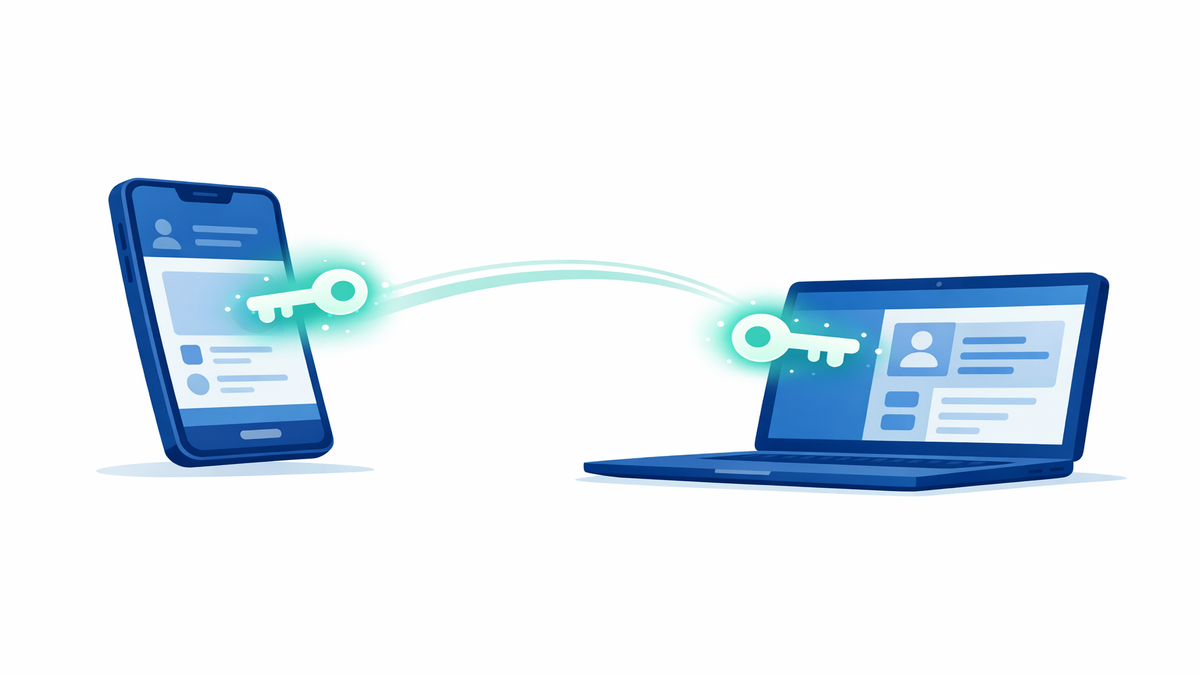
Proxy access lets a family member, caregiver, or other trusted person use their own portal login to help manage someone else’s care. This is different from sharing your username and password, which is usually discouraged because it removes security protections and makes it hard to tell who did what in the account. With official proxy access, the portal can keep a record of actions taken by each person. That can be important if a message is sent, a refill is requested, or a form is signed online.
Proxy access is often used in a few common situations. Parents may manage a young child’s records, adult children may assist aging parents, and caregivers may help someone with memory problems, disability, or a serious illness. In some systems, legal guardians, health care agents, or people with medical power of attorney can request a broader level of access. The exact rules depend on the health system, state law, and the patient’s age and situation.
Many portals offer more than one type of proxy access. A “view only” role may allow someone to read test results, appointment details, and care instructions without making changes. A fuller role may allow actions such as messaging the care team, requesting prescription renewals, updating forms, or joining telehealth visits. If your portal offers choices, it is worth taking a few minutes to match each person’s access to what they actually need.
- Use official proxy tools instead of sharing a password.
- Give access only to people you trust with private health details.
- Choose the smallest level of access that still allows helpful support.
- Review who has access after major life changes, such as divorce, moving, or a change in caregivers.
How role-based controls and granular permissions work
Role-based controls are settings that decide what a person can see or do in the portal. Instead of giving one all-or-nothing permission, the system may assign a role such as parent, caregiver, spouse, legal guardian, or billing contact. Each role may come with different rights. This helps the portal balance convenience with privacy and safety.
Some systems also offer granular permissions, which means access can be broken into smaller pieces. For example, one person might be allowed to schedule appointments and receive visit reminders but not read sensitive test results. Another person might be able to pay bills and see insurance information but not send messages to the doctor. These smaller controls are useful when different people help in different ways.
Granular permissions are especially important when health information is sensitive or when several helpers are involved. You may want a daughter to manage appointments, a home aide to view care instructions, and a spouse to see most of the medical record. If your portal allows separate permissions, use them. If it does not, ask the health system whether they can create a more limited access level or note your preferences in the chart.
When setting access, think about daily tasks, not just relationships. A close family member may not need full medical details if they only help with transportation. On the other hand, a non-family caregiver may need more practical access if they manage medications and communicate with the clinic often. The safest setup is one that reflects real responsibilities, not assumptions.
- Ask whether the portal supports view-only, messaging, scheduling, billing, and refill permissions separately.
- Check whether proxies can see all past records or only new information going forward.
- Find out if access applies to one clinic, one health system, or multiple connected providers.
- Look for an activity log that shows who viewed or changed information.
Adolescent privacy and why access may change with age
Adolescent privacy refers to special rules that protect the health information of teens and older children. In many places, parents have broad portal access for young children, but that access may change as the child gets older. This is because teens may have legal privacy rights for certain kinds of care, depending on state law. These rules can affect what parents can see in the portal and when access becomes more limited.
For example, some portals automatically reduce a parent’s access when a child reaches a certain age, such as 12, 13, or 14. Parents may still be able to see basic information like immunizations, allergies, and appointment dates, but not all visit notes or test results. In some cases, the teen can have their own portal account with separate login information. This setup helps teens learn to manage their health while still allowing parents to support them appropriately.
These changes can surprise families if no one explains them ahead of time. A parent may suddenly notice that parts of the record are no longer visible and worry that something is broken. Usually, the portal is following privacy rules designed to protect both the teen and the family relationship. If you are a parent or caregiver, it helps to ask the clinic in advance how portal access changes at different ages.
Teens and parents both benefit from open conversation. A teen may choose to share some information directly with a parent, even when the portal does not show everything. Parents can also help teens set up their own account, learn how to check messages, and understand when to ask questions. The goal is not to shut parents out, but to create a safe balance between support and privacy.
- Ask your clinic what age triggers a change in portal access.
- Find out which parts of the record remain visible to parents and which do not.
- Help teens create their own portal login when available.
- Discuss how your family will handle appointments, messages, and prescription questions as access changes.
How to set up access safely and avoid common mistakes
The safest first step is to make a list of who helps with care and what each person actually does. One person may handle transportation and scheduling, another may organize medications, and another may help with insurance paperwork. Once you know each person’s role, it becomes easier to choose the right permission level. This approach lowers the chance of oversharing while still making care easier to manage.
When you request proxy access, read the form carefully. Some systems ask whether the person should have full access, limited access, or access tied to legal authority. If you are helping an older adult or someone with memory problems, ask whether extra documents are needed, such as guardianship papers or a health care power of attorney. It is better to gather these early than to discover a delay during an urgent situation.
Good account security matters just as much as the permission settings. Each person should use their own login, a strong password, and two-step verification if the portal offers it. Avoid using a shared family email address when possible, since portal alerts may reveal private information. Also remember to update access if a caregiver changes, a relationship ends, or the patient’s wishes change.
Another common mistake is forgetting to test the setup after it is approved. Ask the proxy to log in and confirm exactly what they can see and do. Make sure the right person receives appointment reminders and message notifications. If something looks too broad or too limited, contact the portal support team or clinic right away so the settings can be corrected.
- Match permissions to tasks, not just family titles.
- Use separate logins for every person with access.
- Turn on two-step verification when available.
- Recheck permissions at least once a year or after any major life change.
- Test the account so you know the setup works the way you expect.
Questions to ask your health system before you approve access
Every portal is a little different, so asking a few direct questions can save time and stress later. Start by asking what roles are available and whether access can be limited by task. You can also ask whether the patient can change permissions online or whether a paper form is required. Knowing the process ahead of time makes it easier to adjust access quickly when needs change.
It is also smart to ask how the system handles sensitive information. Some portals automatically hide certain records, while others may show more unless a special restriction is placed. If adolescent privacy is relevant, ask exactly what parents can see and at what age the rules change. If the patient has multiple doctors in different systems, ask whether proxy access must be set up separately for each portal.
Finally, ask how to remove access if needed. A safe plan includes not only how to grant permission, but also how to end it promptly. You may need to remove a former spouse, replace a paid caregiver, or reduce access after a temporary illness improves. Quick, clear steps for revoking access are just as important as the original setup.
- What proxy roles are available in this portal?
- Can permissions be limited to scheduling, billing, messaging, or refills?
- How does the portal handle teen privacy and age-based changes?
- What documents are needed for legal guardians or health care agents?
- How do I review, change, or remove someone’s access later?
Used well, role-based portal access can support independence, reduce missed tasks, and make healthcare less overwhelming for patients and families. The key is to be intentional: choose trusted helpers, give only the access that is needed, and review settings regularly. A few careful decisions now can protect privacy while making everyday care much smoother. If you are unsure what your portal allows, your clinic’s registration desk, health information office, or portal support team can usually walk you through the options step by step.