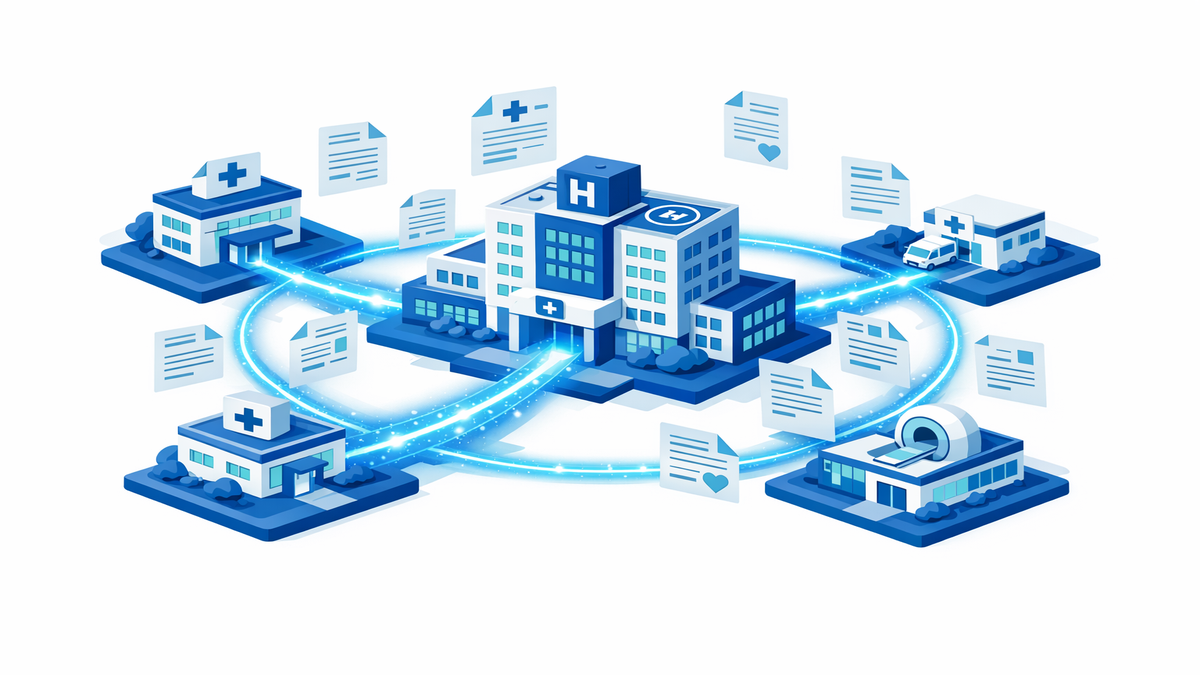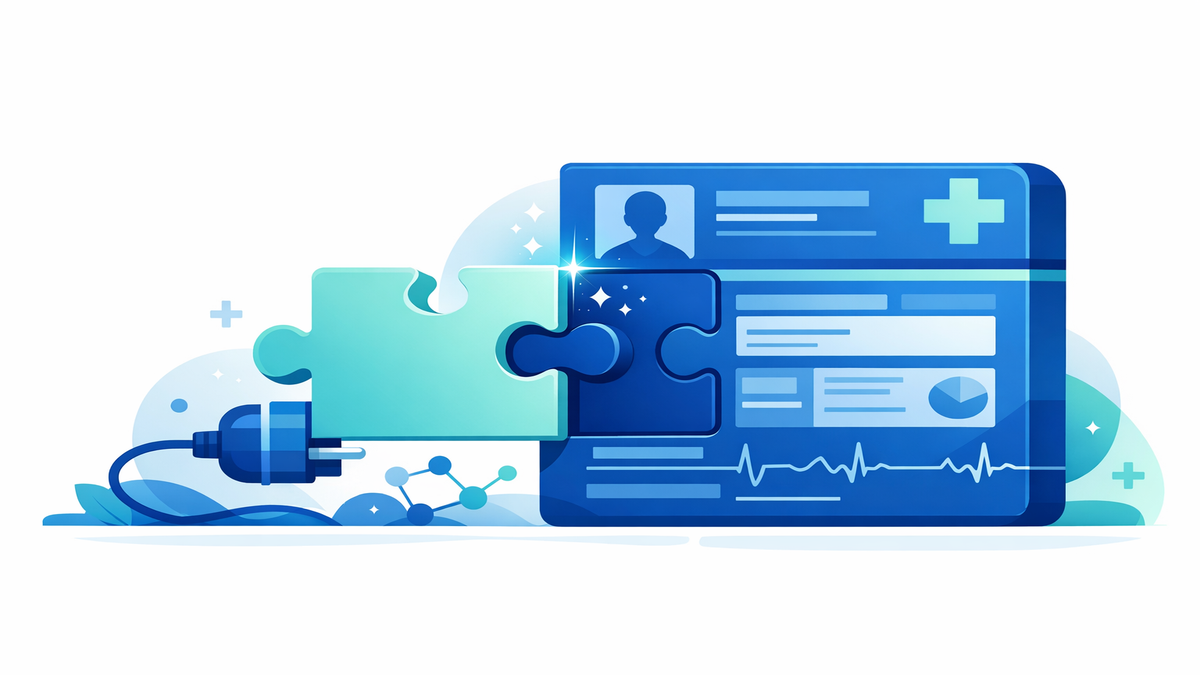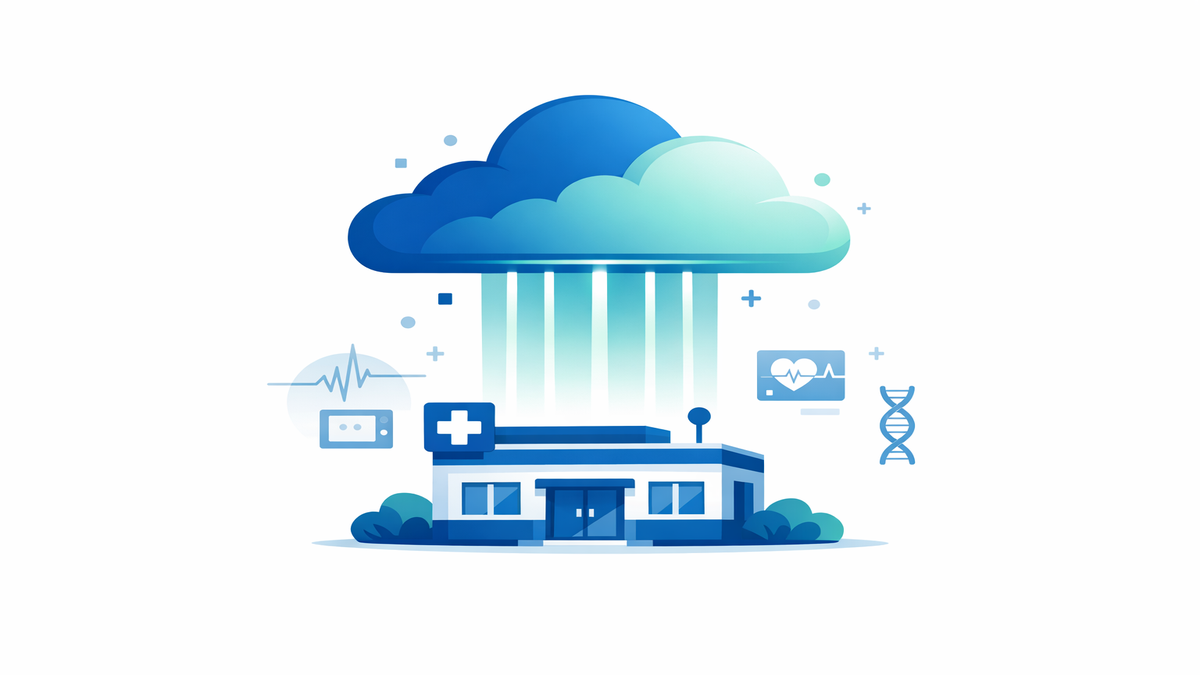
When a small medical practice chooses an electronic health record system, or EHR, patients may never see the software itself. Still, that choice can affect everyday care in ways that matter: how quickly staff can find your chart, whether the office can keep running during a storm or power outage, and how easily your doctor can review test results from another location. Many small practices compare two main options: a cloud-hosted EHR, which is accessed over the internet and stored in secure remote data centers, and an on-premises EHR, which runs on servers kept inside the clinic or office. Each approach has strengths and trade-offs, and the “best” choice often depends on the practice’s size, budget, workflow, and local internet reliability.
From a patient’s point of view, this decision is not just about technology. It can influence wait times, scheduling, portal access, and how smoothly care continues when something goes wrong. A practice that picks a system with strong backup plans may recover faster after a weather emergency. A practice that values local control may prefer to manage its own equipment, but it also takes on more responsibility for maintenance and repairs. Understanding what small practices weigh can help patients ask smart questions and set realistic expectations.
How cloud and on-premises EHRs work in everyday care
A cloud-hosted EHR usually works like other online services: the practice logs in through a secure connection, and the software and data are managed by the vendor in remote facilities. Staff can often access the system from different offices, from home when appropriate, or while covering hospital rounds, depending on the practice’s setup and security rules. This can make it easier for a clinician to review your medications, message your care team, or finish notes without being tied to one building. For patients, that may translate into faster follow-up and more consistent access to records across locations.
An on-premises EHR is different because the clinic owns or leases the servers and keeps them on site or in a local server room. The practice has direct control over the hardware, software settings, and sometimes the timing of changes. Some small practices like this because it can feel more predictable and may fit existing workflows, especially if they have trusted local IT support. From the patient side, it may not look different on a normal day, but the behind-the-scenes workload is heavier because someone has to maintain the servers, apply patches, and monitor backups.
In both models, the goal is the same: keep patient information available, accurate, and secure. What differs is who handles the day-to-day technical tasks and where the data lives. Cloud systems shift more of that responsibility to the EHR vendor, while on-premises systems leave more of it with the practice. That difference becomes especially important when people think about downtime, software updates, and emergencies.
- Cloud EHRs often make remote access easier for clinicians and staff.
- On-premises EHRs may give the practice more direct control over equipment and timing.
- Patients may notice differences most during disruptions, not during routine visits.
- Both options still require strong privacy and security practices.
Uptime, speed, and what patients notice during visits
Uptime means how often the system is available and working. Patients usually notice uptime problems when check-in takes longer, prescriptions are delayed, or staff have trouble pulling up lab results. With cloud systems, uptime depends heavily on the vendor’s infrastructure and the clinic’s internet connection. If the vendor has strong systems with backup power and multiple data centers, outages may be rare, but if the office internet goes down, staff may still struggle to reach the EHR.
With on-premises systems, the office may still be able to access records on its local network even if the outside internet is disrupted, depending on how the setup works. That can be a real advantage in some communities where internet service is less reliable. However, if the server in the clinic fails, overheats, loses power, or has a hardware problem, the practice may lose access until it is repaired or restored from backup. In a small office without full-time technical staff, that recovery may take longer than patients expect.
Speed matters too. A slow system can affect the pace of a visit, even when it is technically “up.” Cloud EHR performance can depend on internet bandwidth, network congestion, and how the vendor’s platform is performing that day. On-premises performance depends more on the clinic’s own hardware and whether it has been upgraded over time. Patients may not need to know every technical detail, but they can understand why one office runs smoothly while another seems to pause at every step.
- If staff say the “system is down,” the cause may be internet, server, or vendor-related.
- Practices should have paper or backup workflows for short outages.
- Reliable performance can help reduce delays in refills, referrals, and check-out.
- Patients can ask whether the office has a downtime plan for appointments and urgent needs.
Updates, maintenance, and how they affect your experience
Every EHR needs regular updates to fix bugs, improve security, and keep up with billing and reporting rules. In a cloud model, updates are often handled by the vendor and rolled out automatically or on a scheduled basis. This can reduce the burden on a small practice because staff do not have to install every patch themselves. For patients, that may mean the office gets new features sooner, such as improved portal tools, e-prescribing changes, or smoother appointment reminders.
Automatic updates can also create challenges. If a vendor changes the screen layout or workflow, staff may need time to adjust, and visits can feel slower for a few days. Patients sometimes notice this when a receptionist clicks through unfamiliar menus or a clinician spends extra time documenting. Even helpful updates can be disruptive if training is rushed. Small practices often weigh the convenience of vendor-managed updates against the need to prepare staff for change.
On-premises systems usually give the practice more control over when updates happen. That can be useful if the office wants to avoid changes during a busy season or needs time to test compatibility with printers, scanners, or lab interfaces. The downside is that updates can be delayed if the practice is short on staff, worried about cost, or dependent on outside IT help. Delayed updates may increase security risk or leave the office using older tools that are less efficient for patients and caregivers.
- Cloud updates are often easier for small practices to manage.
- On-premises updates may offer more scheduling control but require more hands-on work.
- Patients may notice update-related slowdowns temporarily after a system change.
- It is reasonable to ask whether the patient portal or online forms will change after an update.
Disaster recovery, backups, and planning for the unexpected
Disaster recovery means how a practice restores access to records after a serious problem such as a fire, flood, ransomware attack, major power outage, or hardware failure. This is one of the biggest differences small practices consider. Cloud vendors often promote built-in backups, duplicate data centers, and recovery plans that can bring systems back online quickly if one location fails. For patients, that can mean a better chance that records remain available even if the clinic building itself is damaged.
On-premises practices can also have excellent backup plans, but they must design, test, and maintain them carefully. If backups are stored only in the same building, a local disaster could damage both the server and the backup copies. Strong on-premises planning usually includes off-site backups, backup power, tested recovery steps, and clear staff roles during an emergency. Small practices may find this harder to manage because it takes time, money, and technical expertise.
What matters most to patients is not the label “cloud” or “on-premises,” but whether the practice can continue caring for people when something goes wrong. Can they still see scheduled patients? Can they access medication lists for urgent refill requests? Can they contact you if appointments need to be moved? A well-prepared office should be able to answer these questions clearly, and patients benefit when they know what to expect before an emergency happens.
- Ask how the office contacts patients if systems are disrupted.
- Keep your own updated list of medicines, allergies, and specialists.
- Download or save important visit summaries from the patient portal when available.
- If you have complex care, keep copies of key test results and procedure dates.
Internet connectivity, remote access, and practical questions patients can ask
Connectivity is a major factor in the cloud-versus-on-premises decision. A cloud EHR depends on a stable internet connection, so practices in areas with frequent service interruptions may worry about access during the workday. Some offices reduce that risk by paying for backup internet from a second provider or by setting up mobile hotspot failover. Patients may never notice this planning unless the primary connection fails and the office keeps running with little interruption.
On-premises systems may be less dependent on internet access for basic in-office chart viewing, but they still often rely on internet connections for important tasks such as sending prescriptions, receiving lab results, checking insurance eligibility, and using patient portals. In other words, on-premises does not mean “internet-free.” Patients who use online scheduling, portal messages, or telehealth should know that these services can still be affected by connectivity issues no matter where the main server sits.
For caregivers and patients, the most helpful approach is to focus on practical outcomes. If you are choosing a new doctor or managing care for a family member with frequent visits, ask how the office handles outages, after-hours access, and records sharing. A small practice does not need to have a giant hospital-level technology team to provide dependable care, but it should have thoughtful plans. The strongest systems are often the ones patients barely notice because they support care smoothly in the background.
- Ask whether the practice has backup internet or alternate workflows during outages.
- Find out how prescription refills are handled if the EHR is temporarily unavailable.
- Use the patient portal, but also keep personal copies of your most important health information.
- If you travel or split time between homes, ask how easily clinicians can access your chart from different locations.
Small practices weigh cloud and on-premises EHRs by looking at cost, control, reliability, and how much technical work they can realistically manage. From the patient’s perspective, the key issues are simpler: Can the office access your information when needed, keep care moving during disruptions, and communicate clearly when problems happen? A cloud system may offer easier updates and stronger built-in recovery tools, while an on-premises system may offer more local control and, in some cases, better resilience to a short internet outage inside the office. The right choice depends on how well the practice plans for the risks that come with each model.
If you want to be prepared, think of technology as one part of your care partnership. Keep your medication list current, sign up for the portal if it is useful to you, and ask the office what happens during downtime or emergencies. These simple steps can make a real difference if a storm, outage, or technical failure interrupts normal operations. Good care is not just about where the EHR lives—it is about whether the practice uses it in a way that keeps patients informed, safe, and connected.