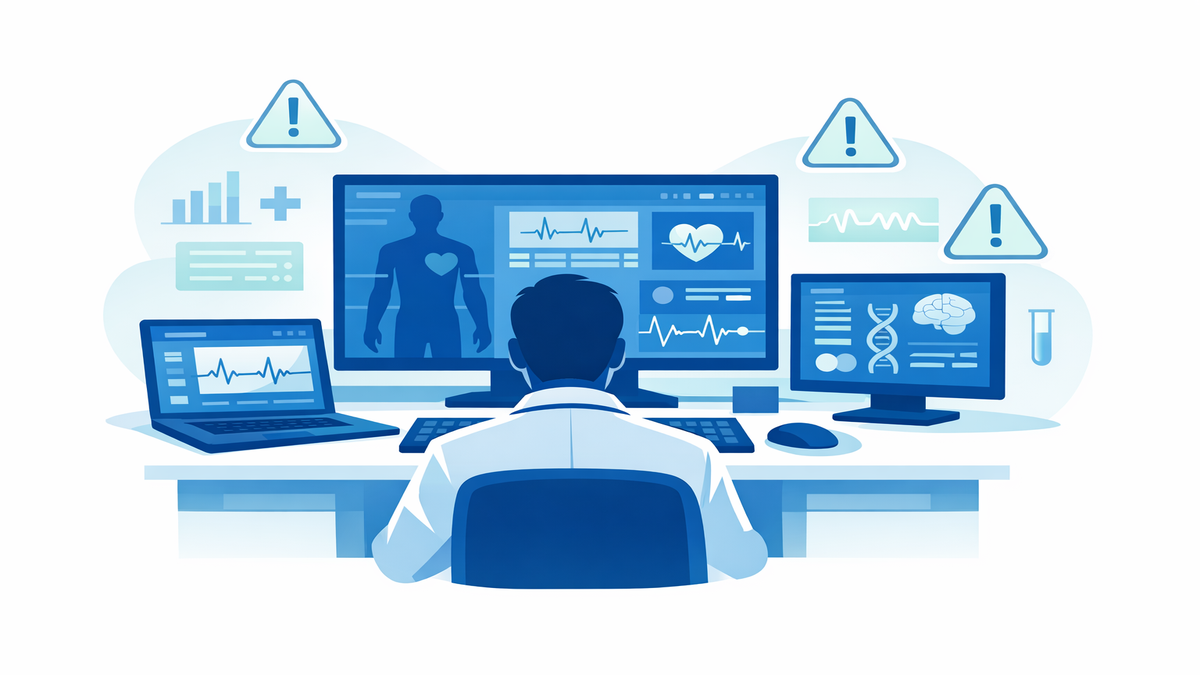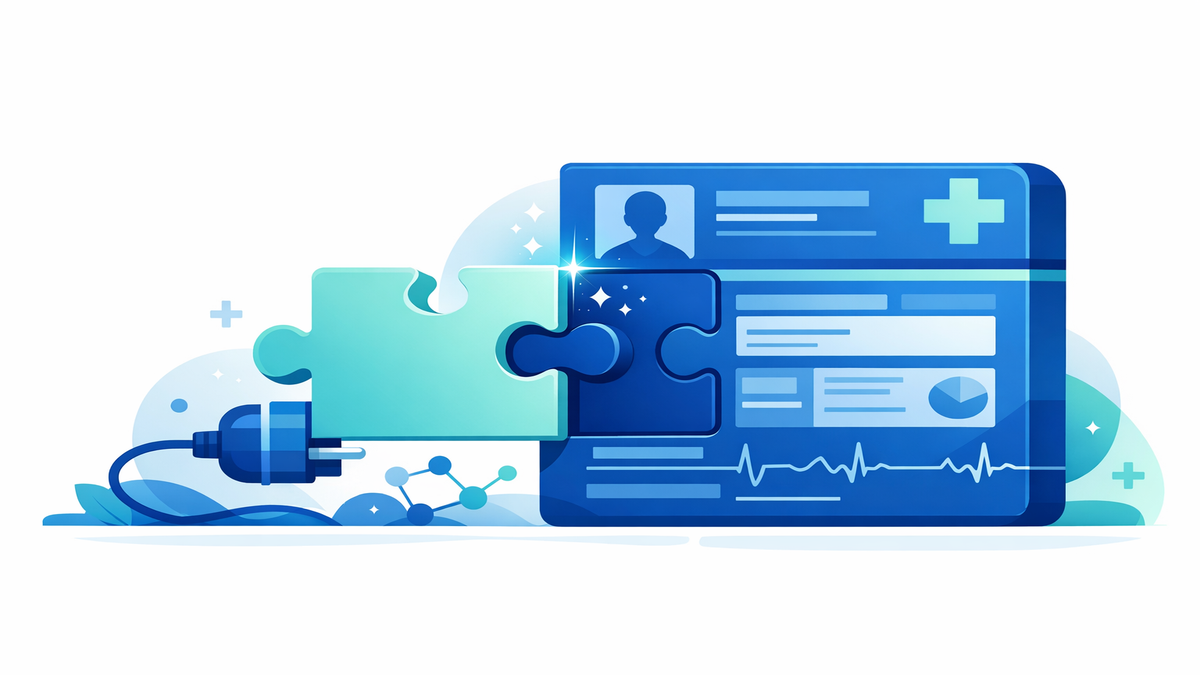
Many patients are surprised to learn how much of a clinic visit is shaped by the computer screen. The design of an electronic health record, patient portal, or scheduling system can affect how quickly a clinician finds your history, reviews test results, answers messages, and documents the visit. When a system takes too many steps, loads slowly, or hides important information behind multiple menus, those extra clicks add up. Over time, this can contribute to clinician burnout, which means ongoing work-related exhaustion, frustration, and a reduced sense of effectiveness.
Understanding this does not mean patients should accept rushed care or poor communication. Instead, it can help explain why a doctor, nurse practitioner, physician assistant, or nurse may seem pulled in many directions during a visit. A large part of modern healthcare happens outside the exam room through message inboxes, refill requests, prior authorizations, and documentation tasks. When patients understand that hidden workload, it can lead to more empathy, better preparation, and smoother teamwork with the care team.
How usability affects the care you experience
Usability means how easy a tool is to use correctly and efficiently. In healthcare, good usability helps clinicians find the right information quickly, place orders safely, and spend more attention on the person in front of them. Poor usability can mean confusing screens, repeated logins, alerts that interrupt workflow, and forms that ask for the same information more than once. These barriers may seem small individually, but together they can slow down care and increase mental fatigue.
For patients, the effects of poor design can show up in everyday ways. A visit may start late because the clinician is still finishing notes from earlier patients. You may notice pauses while your clinician searches for lab results, medication lists, or imaging reports. Sometimes the conversation feels interrupted because the computer requires certain boxes to be checked before the visit note can be completed. None of this excuses a poor patient experience, but it does show how technology design can shape the pace and feel of care.
Good interface design supports safer, more human care. When information is organized clearly, clinicians can make decisions faster and with less strain. They are also more likely to maintain eye contact, ask follow-up questions, and explain next steps in plain language. In other words, better software does not just help the clinician—it can improve your experience as a patient too.
- Clear screens reduce time spent hunting for information.
- Fewer unnecessary clicks can leave more time for conversation.
- Better organization may lower the risk of missed details.
- Less screen frustration can improve focus and patience during visits.
The hidden work of inbox messages and documentation
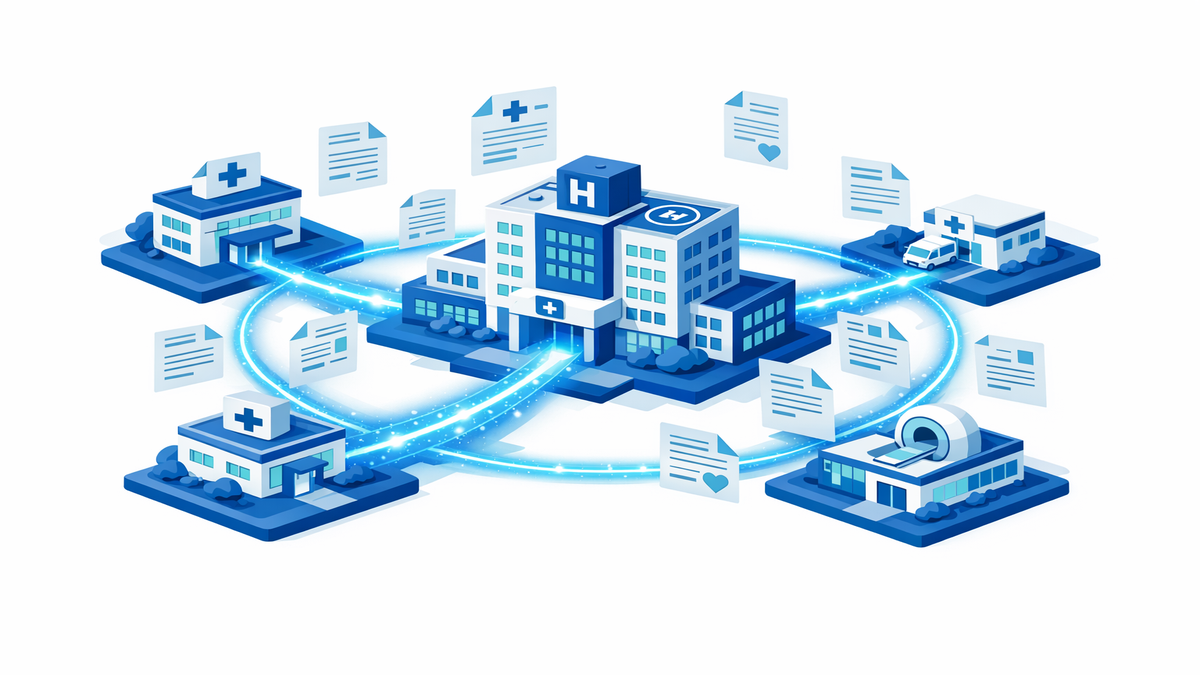
Many patients think of a clinic visit as the main part of a clinician’s day, but a huge amount of work happens before and after the appointment. The inbox burden includes patient portal messages, prescription refill requests, test result follow-up, paperwork, insurance approvals, and messages from pharmacies or other offices. Each item may require chart review, decision-making, documentation, and sometimes a call back to the patient. Even quick messages can take longer than expected when they involve medication changes, symptom review, or coordination with specialists.
Documentation is the written record of your care, including symptoms, exam findings, treatment plans, and follow-up instructions. Good documentation matters because it helps the whole care team stay informed and creates a legal and billing record of what happened. The challenge is that documenting thoroughly often takes significant time, especially when systems are hard to navigate or require many required fields. Clinicians may finish notes after clinic hours, a pattern sometimes called “pajama time,” because the work spills into evenings at home.
This hidden workload can ripple into visit time. If a clinician starts the day with dozens of inbox messages or unfinished notes, they may already be mentally overloaded before the first appointment begins. That can make it harder to shift fully into listening mode, even when they want to. It may also contribute to delays, shorter follow-up messages, or requests for another visit to address complex issues that cannot be handled safely through a quick portal exchange.
- Portal messages often require chart review, not just a quick reply.
- Test results may trigger calls, referrals, or medication changes.
- Insurance and pharmacy tasks can consume time patients never see.
- Detailed notes are important, but they can reduce face-to-face time when systems are clunky.
Why empathy from patients can improve teamwork
Empathy means trying to understand another person’s experience without dismissing your own needs. When patients recognize that clinicians are carrying both in-room and behind-the-scenes work, conversations can become more collaborative. That does not mean staying silent about concerns or avoiding questions. It means approaching the visit as a partnership, where both sides are trying to use limited time well.
Patient empathy can help in practical ways. For example, if you know your clinician receives many portal messages, you may choose to keep non-urgent messages focused on one topic rather than combining several unrelated concerns. If a problem is complex, you may ask whether it is better handled in a visit instead of expecting a full medical decision through messaging alone. These small choices can make communication clearer and reduce back-and-forth delays.
Empathy also works both ways. When clinicians feel that patients understand the workload pressures around modern care, they may be more open about setting expectations and explaining delays. That honesty can build trust. Instead of assuming “they do not care,” patients may better understand that the system itself often creates friction, even for caring professionals who want to give more time and attention.
- Bring up your top concern first so the most important issue gets addressed.
- Use portal messages for focused, non-urgent questions when possible.
- Ask when a separate visit would be safer or more effective.
- If your clinician seems rushed, request a clear follow-up plan rather than leaving confused.
Ways patients can make visits smoother and more productive
You cannot redesign the healthcare system on your own, but you can make the visit more efficient and less stressful for everyone involved. Start by preparing before the appointment. Write down your symptoms, when they started, what makes them better or worse, and any home treatments you tried. If you take medications, bring an updated list that includes doses, over-the-counter products, vitamins, and supplements.
It also helps to organize your goals for the visit. If you have several concerns, rank them in order of importance and tell the clinician early in the appointment. This allows the care team to decide what can be handled today and what might need a follow-up visit. Being direct is not rude—it helps protect time for the issues that matter most to you.
During the visit, pay attention to the plan and ask for clarification before you leave. If the clinician is typing, do not hesitate to pause and say, “I want to make sure I understand the next steps.” Many clinicians appreciate that prompt because it refocuses the conversation. If you receive a portal summary later, review it and follow the instructions so fewer loose ends return to the inbox.
- Bring a concise symptom timeline and medication list.
- Lead with your main concern in the first few minutes.
- Ask for written or portal-based next steps if the plan feels complicated.
- Use one message per issue when contacting the office after the visit.
- Schedule follow-up visits for complex concerns instead of trying to solve everything by message.
What better systems could look like for patients and clinicians
Improving burnout is not only about individual resilience or asking clinicians to work faster. It also requires better systems. A well-designed record system should show the most important information clearly, reduce repeated data entry, and support communication without flooding clinicians with unnecessary alerts. Teams also benefit when routine tasks are shared appropriately among nurses, medical assistants, pharmacists, and administrative staff instead of landing in one person’s inbox.
Patients have a role in pushing for these improvements too. When a portal is confusing, forms are repetitive, or message turnaround is unclear, sharing respectful feedback can help clinics identify problems. Patient advisory groups, surveys, and comment forms may seem small, but they can highlight patterns that leaders need to hear. Better digital tools can improve access, reduce delays, and make visits feel more personal rather than more mechanical.
The big picture is simple: every extra click, duplicate form, and overloaded inbox can steal time and attention from patient care. When patients understand that reality, they are often better able to prepare, communicate clearly, and partner with the care team. At the same time, healthcare organizations need to keep improving the tools and workflows that shape modern medicine. The goal is not just less burnout—it is more thoughtful, connected, and effective care for everyone involved.
- Better software can free up more time for listening and explanation.
- Clear message policies help patients know what to expect.
- Team-based workflows can reduce bottlenecks and delays.
- Patient feedback can support smarter, more humane system design.