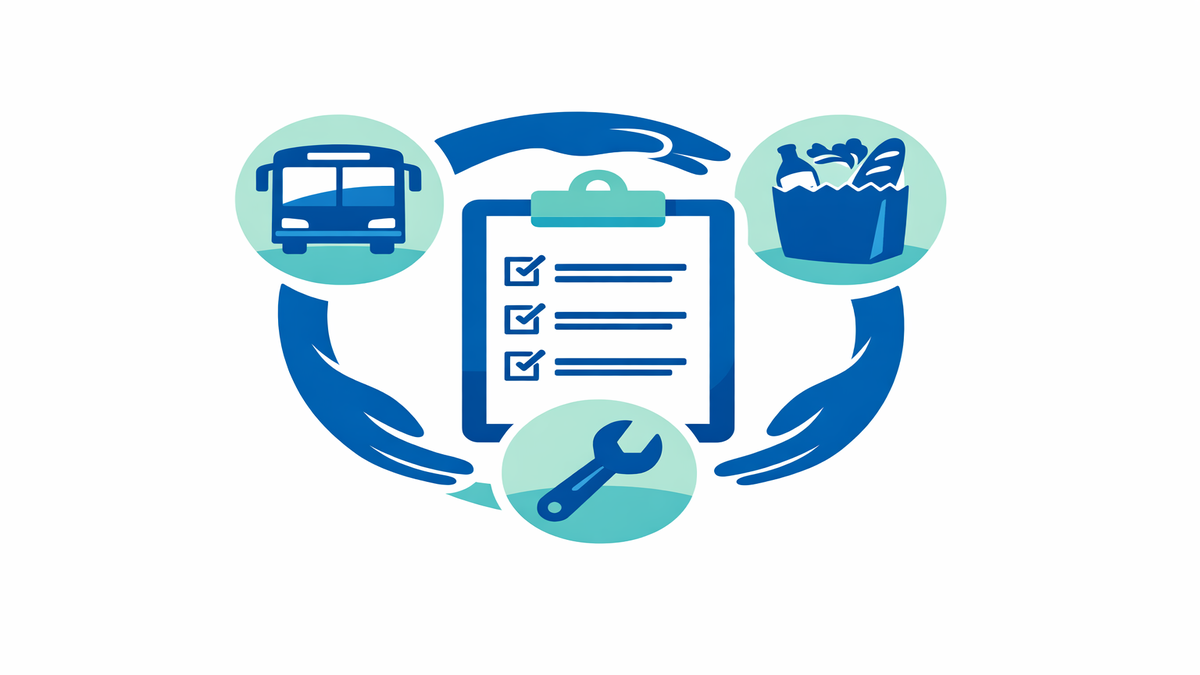
When you are trying to help yourself or a loved one find support, it can feel overwhelming to search one website for food help, another for rides, and another for utility or legal assistance. Social care directories are tools that gather local services into searchable lists, often by ZIP code, county, or program type. Many people use them to look for meal delivery, Medicaid transportation, rent or utility help, and legal aid. The challenge is that the same family may appear to qualify for several services, and it is easy to repeat the same phone calls, forms, and screening questions over and over.
A more organized approach can save time and reduce stress. By cross-checking ZIP-code databases carefully, you can compare what each directory offers without creating duplicate referrals or repeating case work that has already been done. This matters for patients, caregivers, social workers, and community health teams alike. A simple tracking system, along with smart use of filters, can help you identify the best options for food, transport, and utility or legal support while keeping your notes clear and useful.
Why ZIP-code searches are helpful, but not enough on their own
ZIP-code searches are a good starting point because many programs serve specific neighborhoods, counties, or service areas. If you enter a home ZIP code into a directory, you may quickly find meal delivery programs, food pantries, ride services, and agencies that help with shut-off notices or benefits appeals. This can be especially useful when someone has limited energy, is newly discharged from the hospital, or needs help urgently. A location-based search narrows the list and makes a large system feel more manageable.
Still, ZIP code alone does not tell the whole story. Some services are listed under one ZIP code but actually cover nearby areas, while others only serve certain age groups, diagnoses, income levels, or insurance plans. A Medicaid ride benefit may be available statewide, but the scheduling vendor could be different depending on the county. A legal aid office may appear in the search results, yet only handle housing, public benefits, or elder law cases. That is why it helps to treat the directory as a first pass, not the final answer.
Another issue is that the same program may appear in more than one database with slightly different names. For example, a home-delivered meals program might be listed under a senior center in one directory and under a county aging agency in another. If you do not compare details, you may think they are separate resources and send duplicate referrals. Taking a few extra minutes to verify the organization name, phone number, website, and service rules can prevent confusion later.
- Use ZIP code to build an initial list, not to make a final decision.
- Check service area, age rules, insurance rules, and income requirements.
- Compare phone numbers and addresses to spot duplicate listings.
- Look for notes about waitlists, delivery days, or required documents.
How to cross-check meal delivery, transportation, and utility support
Start by choosing one “home base” record for each person you are helping. This can be a notebook, spreadsheet, care management note, or shared family document. Include the person’s ZIP code, county, insurance type, age, language needs, mobility needs, and the main issue to solve first. If the urgent need is food, note whether the person can cook, leave home safely, or needs medically tailored meals, which are meals designed for health conditions such as diabetes or kidney disease.
Next, search one category at a time instead of opening every filter at once. For food help, search for home-delivered meals, pantry delivery, senior nutrition, or medically supportive meals. For transportation, look for Medicaid transport, non-emergency medical transportation, wheelchair-accessible rides, and volunteer driver programs. For utilities and legal support, search for electric bill help, water assistance, shut-off prevention, tenant rights, public benefits appeals, and legal aid. This step-by-step method helps you compare similar services instead of mixing unrelated options together.
As you review each result, record a few key details in the same format every time. Write down the program name, referral method, eligibility rules, documents needed, hours, and whether you called, emailed, or submitted an online request. Add a status such as “left message,” “screened,” “waitlisted,” or “appointment set.” If you later find the same service in another directory, compare it to your record before creating a new referral. This prevents duplicate outreach and helps everyone involved see what has already been tried.
- Create one tracking record per person, not one per website.
- Search by category: food first, then transport, then utilities or legal help.
- Use the same note format for every resource you review.
- Mark the current status so you do not repeat calls or forms.
Using filters wisely to avoid duplicate referrals
Filters can be powerful, but they work best when used with a clear goal. If you select too many filters at once, you may accidentally hide a good option. For example, choosing “meal delivery,” “same-day,” “free,” and “Spanish-speaking” might remove programs that do help but need a referral partner or a short intake call first. A better approach is to start broad, then narrow the list based on the person’s real needs and what is most urgent.
One practical method is to use “must-have” and “nice-to-have” filters. Must-haves are things that truly cannot be skipped, such as service in the correct county, wheelchair access, or acceptance of Medicaid. Nice-to-haves might include weekend hours, online intake, or multilingual staff. By separating these two groups, you are less likely to miss a workable resource. This also helps when a family is under pressure and needs the fastest safe option rather than the perfect one.
To avoid duplicate case work, always check whether a referral requires agency-to-agency communication. Some directories allow self-referral, while others expect a doctor’s office, hospital team, or case manager to send the request. If a caregiver submits an online form and a clinic social worker also sends one the same day, the program may receive two records for the same person. That can slow down processing, not speed it up. Before submitting, confirm who is taking the lead and note it clearly in the tracking record.
- Start with broad filters, then narrow the list slowly.
- Separate must-have filters from nice-to-have preferences.
- Check whether the program accepts self-referral or professional referral.
- Assign one lead person to submit each referral.
What details to verify before you call or apply
Before making calls, review the listing carefully so you can ask better questions and avoid repeating work. Confirm the exact service offered, because “food assistance” could mean a pantry box, a voucher, congregate meals at a community site, or meals delivered to the home. For transportation, ask whether rides are only for medical appointments or also for pharmacy trips, dialysis, therapy, or grocery shopping. For utility help, check whether the program pays a bill directly, offers budget counseling, or helps with emergency shut-off prevention.
It also helps to verify timing. Some meal programs deliver only on certain days, and some transportation benefits require rides to be scheduled 48 to 72 hours in advance. Legal aid programs may have intake windows only on specific mornings or may limit cases based on funding. If you know these details before contacting the family or provider, you can set more realistic expectations. That reduces frustration and makes follow-through more likely.
Finally, ask what information will be needed at intake. Common items include photo identification, proof of address, insurance card, Medicaid number, utility bill, income documents, or a shut-off notice. If the person has trouble gathering paperwork, note that as part of the care plan and see whether a caregiver or clinic staff member can help. A referral is much more likely to succeed when the needed documents are ready before the first call.
- Verify what the service actually provides.
- Ask about scheduling rules, delivery windows, and waitlists.
- Find out what documents are required before starting intake.
- Write down any barriers, such as language, hearing, or mobility needs.
Building a simple workflow that saves time for patients and caregivers
You do not need expensive software to stay organized. A simple spreadsheet or shared note can track the date searched, database used, service category, contact information, and referral status. Add a column for “possible duplicate” so you can flag similar entries before taking action. If more than one family member or team member is helping, agree on the same wording for statuses such as “not eligible,” “pending callback,” or “enrolled.” Consistency makes the record easier to read and prevents confusion.
It is also smart to review your list in short cycles. After the first search, pick the top two or three options in each category rather than contacting ten programs at once. Follow up on those, update the results, and then move to the next options only if needed. This keeps the workload manageable and reduces the chance that several agencies will open separate files for the same need. It also gives you a clearer picture of what barriers are coming up, such as waitlists or missing documents.
For caregivers, one of the most useful habits is to keep a running summary at the top of the record. Include the person’s biggest current needs, the best callback number, preferred language, and who is coordinating next steps. That way, if a hospital discharge planner, primary care office, or family member joins the process, they can understand the situation quickly without starting from zero. Good tracking does more than save time. It helps people get the right support sooner, with fewer repeated questions and less stress.
- Use one shared tracker with clear status labels.
- Contact the top few options first instead of every listing at once.
- Keep a short summary of urgent needs and who is coordinating care.
- Review and update the record after every call, email, or application.